Send anything, not just photos
Files of any kind, several at once, full quality photos and videos. No compression, up to 16 GB per file, and an interrupted transfer resumes where it stopped.
 Flitdrop
Send photos, files and the clipboard between your phone and your computer, both ways, in one gesture.
Free on your network. End to end encrypted. No account required.
Watch it move
Pick a photo on your phone.
It gets encrypted before it ever leaves the device.
It crosses your Wi-Fi, directly, without going through a server.
And lands in the computer's incoming list.
Getting started
Scan the QR code once to pair the phone. After that, drop a file and it goes.
Open the camera, point at the QR code, the phone is paired.
Pick a photo, a video or a few files, or copy some text. One gesture is enough.
The transfer shows up on the other device in about a second.
How it compares
AirDrop stops at Apple, Nearby Share stops at Android, email shrinks your photos.
FlitdropFlitdrop is the only one that needs nothing on your phone, keeps every file on your own network, and still crosses every operating system.
Private by design
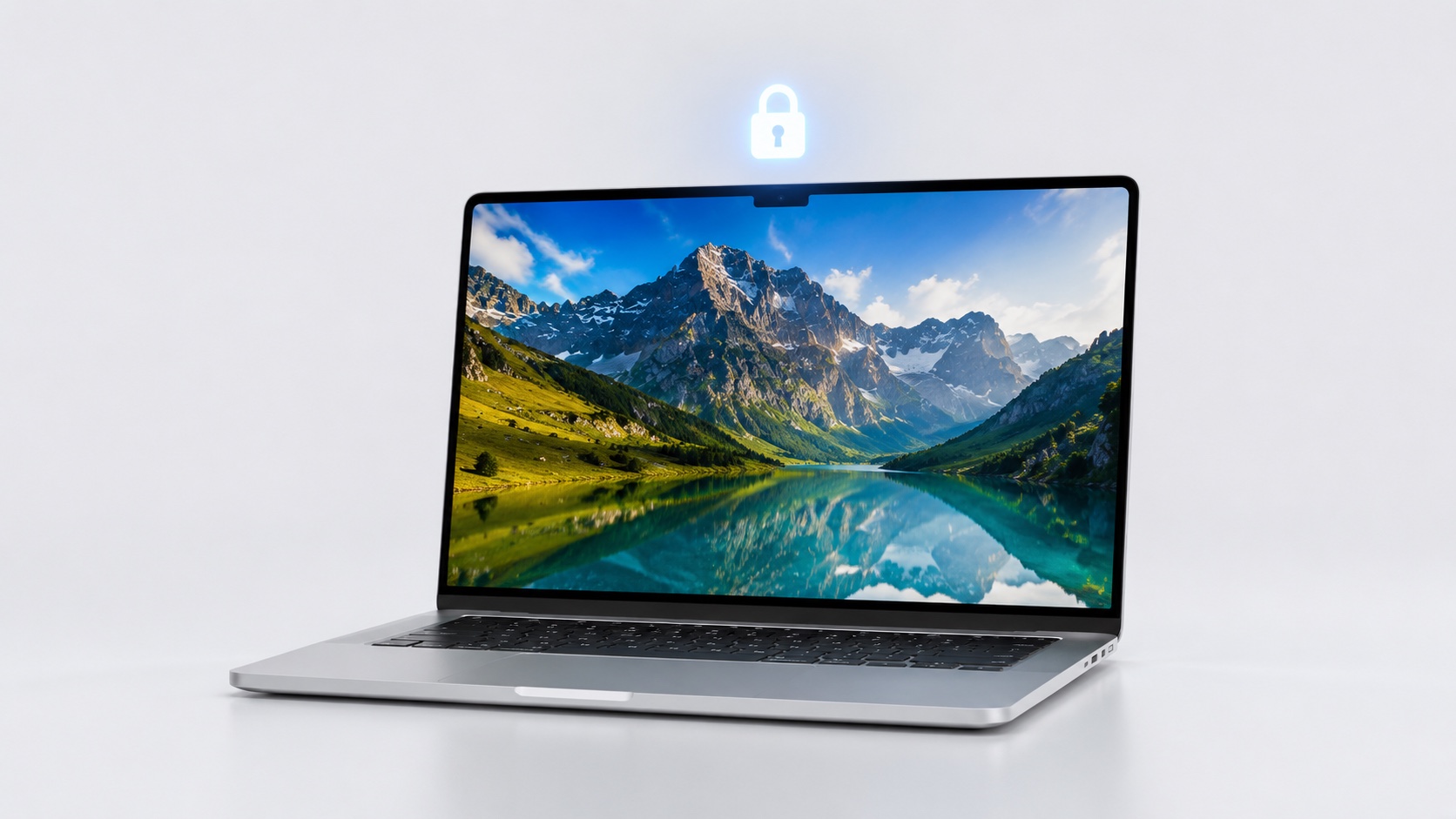
Everything is end to end encrypted and travels over your local network.
Only you and the receiving device can read what goes across.
Files go straight from one device to the other, on your network.
No email to verify, no password to create. You scan, you share.
Everything it moves
Files, full quality photos and videos, and the clipboard, in one gesture, in both directions.
Files of any kind, several at once, full quality photos and videos. No compression, up to 16 GB per file, and an interrupted transfer resumes where it stopped.
Copy on one device, paste on the other. Text and links cross instantly, both ways.
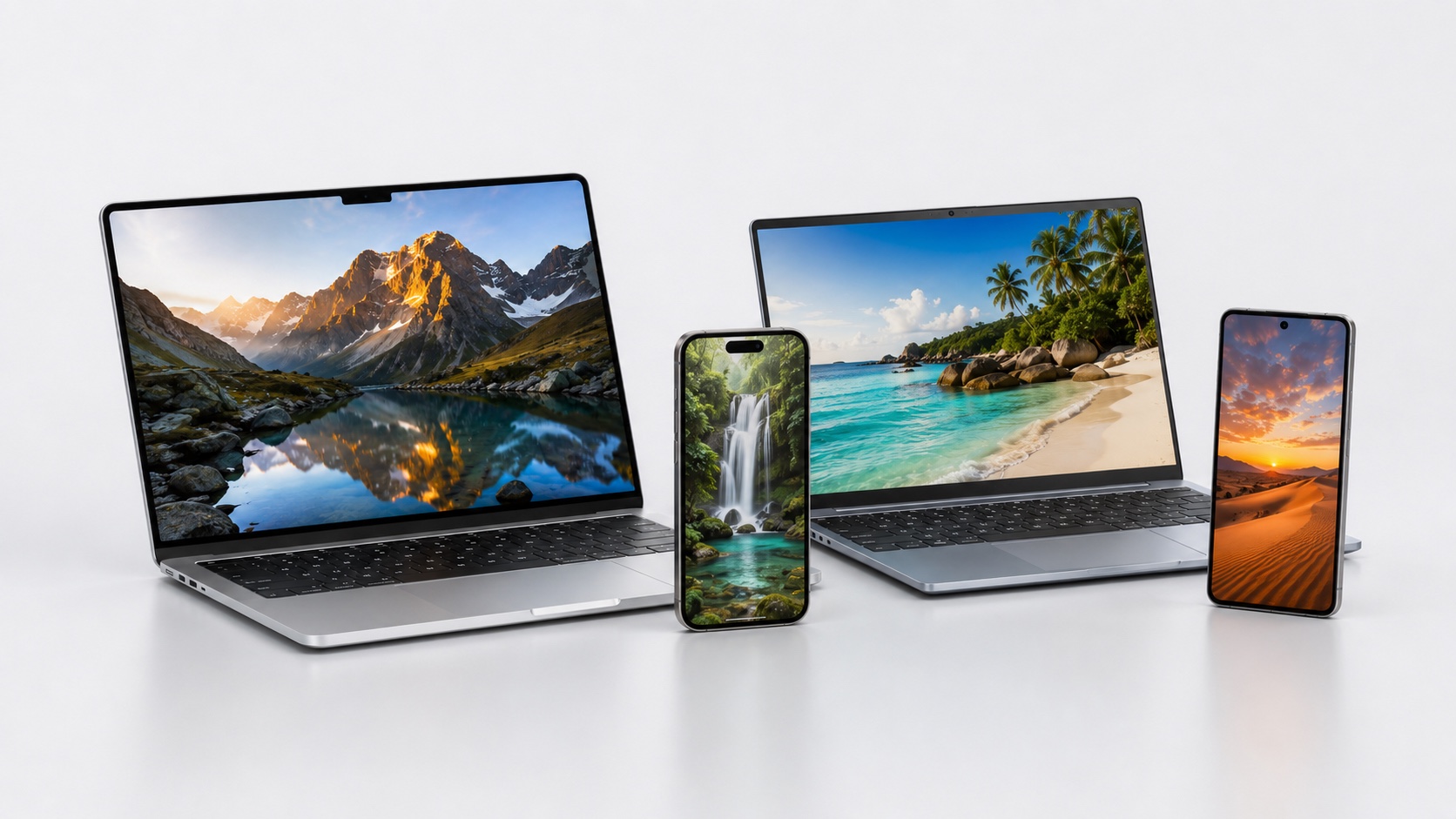
iPhone, Android and Samsung on one side, Windows, Mac and Linux on the other, in every combination.

Nothing to install on the phone. Scan the QR code once and you are linked for good.

Originals arrive at full resolution, exactly as they were shot.
A shoot, a build, a note or a link. Flitdrop puts it on the other device in about a second, encrypted, on your own Wi-Fi.
Move a full shoot to the desktop in one gesture, every shot at its original resolution.
Push a build, a log or a screenshot between your computer and your phone, with no cable and no cloud.
Send mockups, assets and colors straight to the device you are reviewing on.
Photos to the family laptop, a link to your phone, a note to a friend nearby.
Install Flitdrop on your computer, keep the phone as it is.
Also available: Microsoft Store Mac with Intel Linux .deb (Ubuntu, Debian, Mint) Linux AppImage
All downloadsYes, on your own Wi-Fi.
No. You scan a QR code once and the phone is paired.
Everything is end to end encrypted and stays on your local network.
iPhone, Android, Samsung on one side, Windows, Mac, Linux on the other.
Yes, or the phone can join a hotspot shared by the computer. Flitdrop goes straight from one device to the other on your local network, so it works even without internet. Your files never travel over the internet.
Each file can be up to 8 GB by default, and you can raise that to 16 GB in the settings. You can send several files at once, and an interrupted transfer picks up where it left off.
Windows 10 and 11, macOS on Apple Silicon and Intel, and Linux (AppImage or .deb). The phone needs nothing at all, just its browser.
Never. Photos and files arrive at their original quality, exactly as they were.
On Windows, the installer is signed and Flitdrop is also on the Microsoft Store; if SmartScreen still shows a caution while the app builds its reputation, click More info then Run anyway. On Mac, Flitdrop is not notarized by Apple yet, so macOS shows a caution the first time: open the app once, then go to System Settings > Privacy & Security and click Open Anyway (on macOS 14 or older, right-click > Open also works). You only do this once.
Support
The FAQ covers the most common questions. For anything else, write to us and we answer fast.