Send anything, not just photos
Files of any kind, whole folders, full quality photos. No compression, no size cap on your own network.
 Flitdrop
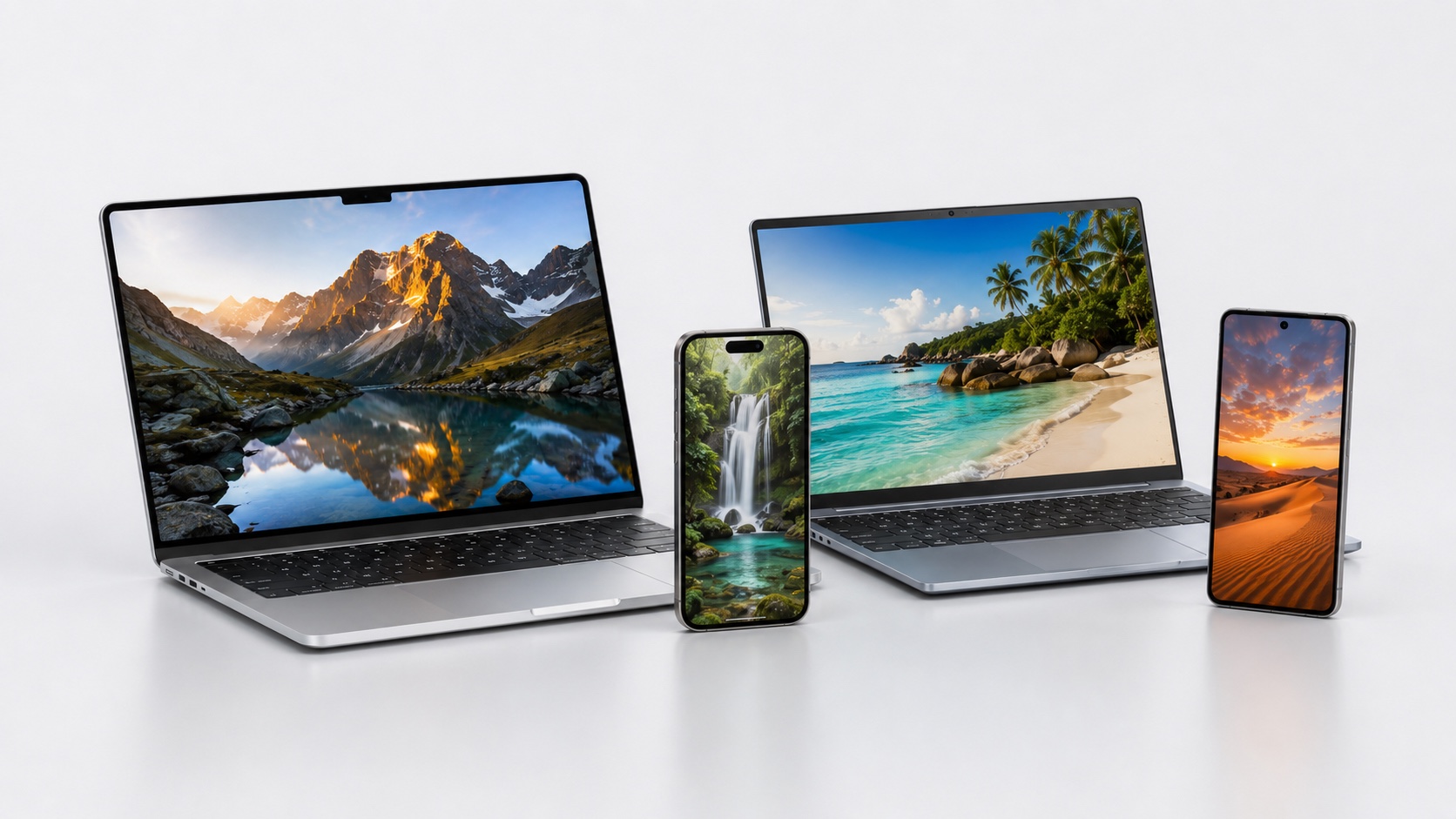
iPhone, Android, Windows, Mac, Linux: photos, files and clipboard move from one device to the next in a single gesture.
Free on your network. End to end encrypted. No account required.
Watch it move
Pick a photo on your phone.
It gets encrypted before it ever leaves the device.
It crosses your Wi-Fi, directly, without going through a server.
And lands in the computer's incoming list.
Getting started
Scan the QR code once to pair the phone. After that, drop a file and it goes.
Open the camera, point at the QR code, the phone is paired.
Pick a photo, a file or a folder, or copy some text.
The transfer shows up on the other device within a second.
How it compares
AirDrop stops at Apple, Nearby Share stops at Android, email shrinks your photos.
FlitdropFlitdrop is the only one that needs nothing on your phone, keeps every file on your own network, and still crosses every operating system.
Private by design
Everything is end to end encrypted and travels over your local network.
Only you and the receiving device can read what goes across.
Files go straight from one device to the other, on your network.
No email to verify, no password to create. You scan, you share.
Everything it moves
Files, folders, full quality photos and the clipboard, in one gesture, in both directions.
Files of any kind, whole folders, full quality photos. No compression, no size cap on your own network.
Copy on one device, paste on the other. Text and links cross instantly, both ways.
iPhone, Android and Samsung on one side, Windows, Mac and Linux on the other, in every combination.

Nothing to install on the phone. Scan the QR code once and you are linked for good.

Originals arrive at full resolution, exactly as they were shot.
A shoot, a build, a note or a link. Flitdrop puts it on the other device in about a second, encrypted, on your own Wi-Fi.
Move a full shoot to the desktop in one gesture, every shot at its original resolution.
Push a build, a log or a screenshot between machines with no cable and no cloud.
Send mockups, assets and colors straight to the device you are reviewing on.
Photos to the family laptop, a link to your phone, a note to a friend nearby.
Install Flitdrop on your computer, keep the phone as it is.
Other platformsYes, on your own Wi-Fi.
No. You scan a QR code once and the phone is paired.
Everything is end to end encrypted and stays on your local network.
iPhone, Android, Samsung on one side, Windows, Mac, Linux on the other.
Yes. Flitdrop goes straight from one device to the other on your local network, so they share the same Wi-Fi. Nothing travels over the internet.
No. Since the transfer stays on your network, there is no imposed cap. The only limit is the free space on the receiving device.
Windows, macOS and Linux. The phone needs nothing at all, just its browser.
Never. Photos and files arrive at their original quality, exactly as they were.
Support
The FAQ covers the most common questions. For anything else, write to us and we answer fast.